
Account protection
91 App Win Security for Accounts, Devices and Payments
Use practical controls for passwords, OTPs, devices, links, app permissions, payment details and suspicious account activity.
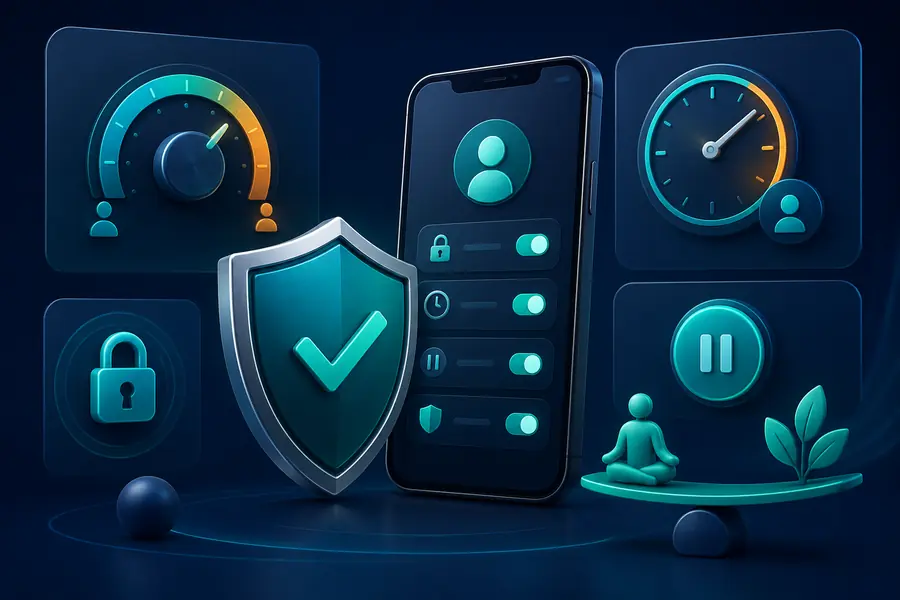
Build protection around the account
Use a unique password, private recovery details and a secure device. Reusing credentials can allow a breach from another service to reach this account.
Review active sessions after a device change, password reset or unexpected notification.
Recognise social-engineering pressure
A message may use urgency, a reward or a threat to request an OTP, screen share or payment. Stop and verify through a recognised route.
Support should not need your password, full UPI PIN or remote control of the device.
Limit app and browser exposure
Keep the operating system and browser updated. Review app permissions and remove access that is unrelated to the feature being used.
Avoid unknown extensions, configuration profiles, certificates and remote-control tools.
Respond to suspicious activity
Change the password from a trusted device, close unfamiliar sessions, review payment activity and protect the registered phone or email.
Record relevant times and references without sharing sensitive credentials, and contact the recognised service route when necessary.
Security links
Security questions
What is the first step after an unknown login alert?
Use a trusted device to change the password, close unfamiliar sessions and review account activity.
Can support ask for remote access?
Remote-control requests create serious risk. Do not expose login, OTP or payment activity through screen sharing.
How often should app permissions be checked?
Review them after installation, major updates and whenever app behaviour changes.